Start
Admin login
Admin is not “any API key.” The dashboard only accepts a credential with the
admin permission (or an auth.admin_keys entry). Dev compose often skips login entirely, that is intentional, and it is why this feels confusing later.
Public sandbox: getrunkite.com/admin is a live plane. Shared key is on the product page.
What it is
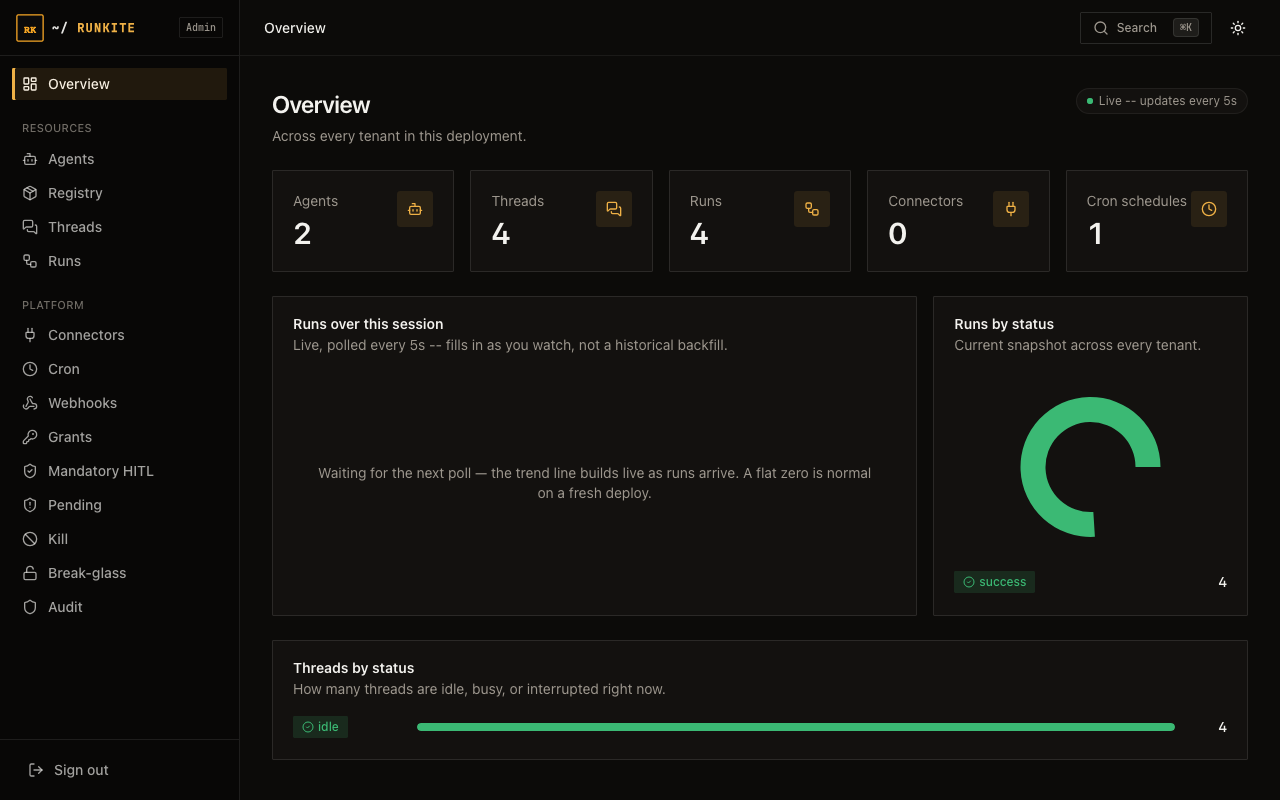
Open http://<host>:2026/admin/. If auth is off, you land straight in Overview.
If auth is on, you paste an API key or JWT into API key / JWT and sign in.
The browser keeps an httpOnly session cookie, the raw key is not stored in JavaScript.
Why it is here
Every /admin-api/* route sees across tenants. Read/write client keys must not open that surface.
Operators need an explicit admin credential, configured in langgraph.json (or Helm values), not invented by the UI.
When login is skipped
- No primary auth and no
admin_keys: pure local/dev. Admin opens with no prompt (same as an open Agent Protocol API). - Dev compose / try path: typically this mode. “Admin open” on Try means no login, not “login with a magic default key.”
What to put in config
Give the operator key admin (plus read/write if it also calls client APIs):
{
  "auth": {
    "type": "api_key",
    "strict_permissions": true,
    "keys": {
      "sk-ops-admin": {
        "name": "platform-ops",
        "permissions": ["read", "write", "admin"],
        "tenant_id": "default"
      },
      "sk-app-client": {
        "name": "backend-service",
        "permissions": ["read", "write"],
        "tenant_id": "default"
      }
    }
  }
}
Or keep client keys read/write-only and add Admin-only break-glass keys:
"auth": {
  "type": "api_key",
  "keys": { ... },
  "admin_keys": {
    "sk-break-glass": "oncall"
  }
}
admin_keys are accepted only on /admin-api/* and always imply admin.
How to log in
- Deploy with auth enabled (Helm sets
RUNKITE_API_KEYinto a key that includesadmin: see chart README). - Open Admin → you should see the login card: “Sign in with an API key or JWT that has the admin permission.”
- Paste
sk-ops-admin(or your JWT /admin_keyssecret). Submit. - You land on Overview. Session cookie + CSRF protect mutating calls.
In the product
admin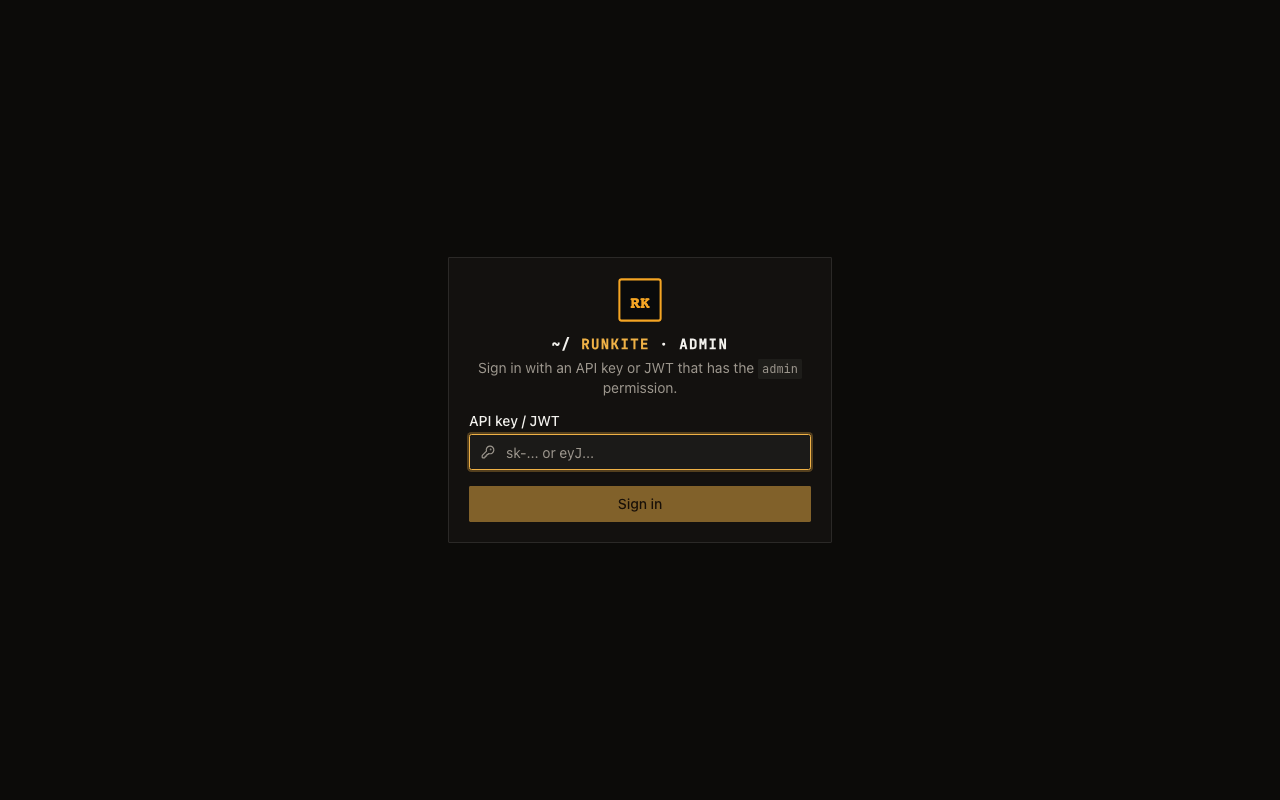
What to expect
- 403 / insufficient permissions: key exists but lacks
admin(classic trap after copying the quickstart read/write sample). - 401: unknown key, bad JWT, or empty
admin_keyswith no primary auth match. - No user CRUD in Admin: keys live in config / secrets manager, not a users table in the UI.
- Logged in, now what?: see Admin UI guide for a screen-by-screen walkthrough of every page in the dashboard.
Reference: docs/admin.md · docs/auth.md · Credentials map · Production day-0