Operate
Runs & threads
Threads hold conversation/state continuity. Runs are units of work the plane dispatches, fences, streams, and audits.
What it is
Clients create threads, then create runs (wait or stream). Admin lists runs across tenants, opens a run detail with event log, and can cancel. Threads group related runs.
Why it is here
Ops needs one place to answer “what is running, for whom, and why did it stop?”, without SSH into every runner.
How to use it
- Create a thread via Agent Protocol
POST /threads. - Start a run with
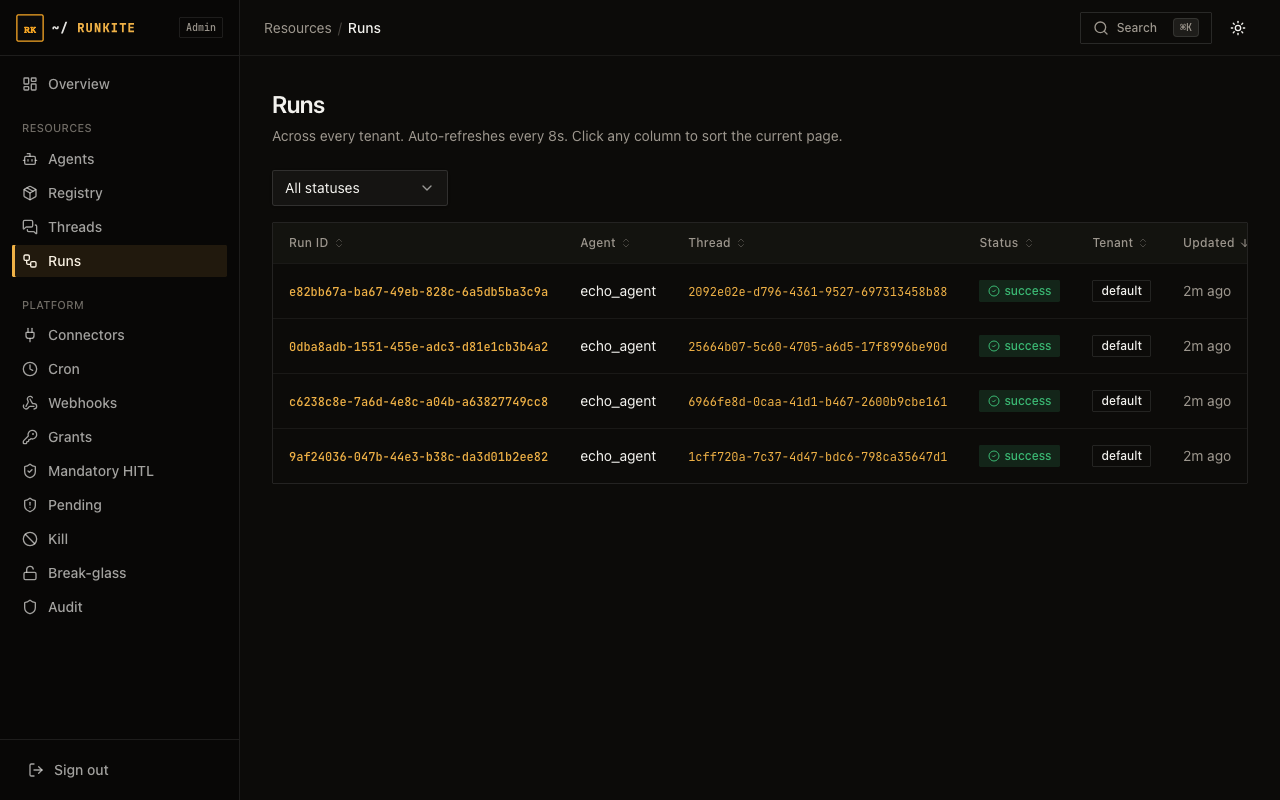
POST /threads/{id}/runs/waitor.../stream. - In Admin → Threads / Runs, filter by status, agent, tenant.
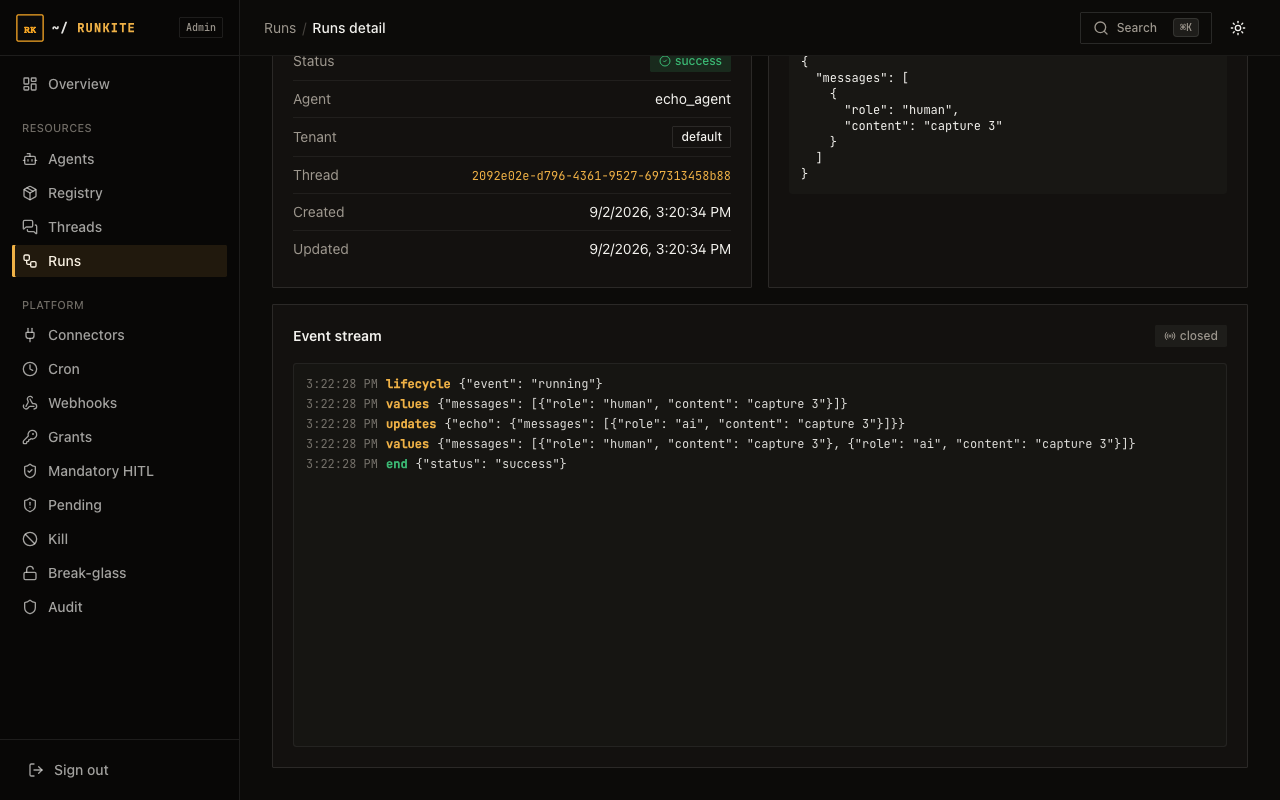
- Open a run for the SSE event log; cancel from Admin or API if needed.
For a detailed walkthrough of the run detail page (live event stream, what each field means, how to cancel), see Admin UI guide → Threads & Runs.
In the product
Admin → Runs: status, agent, thread, tenant
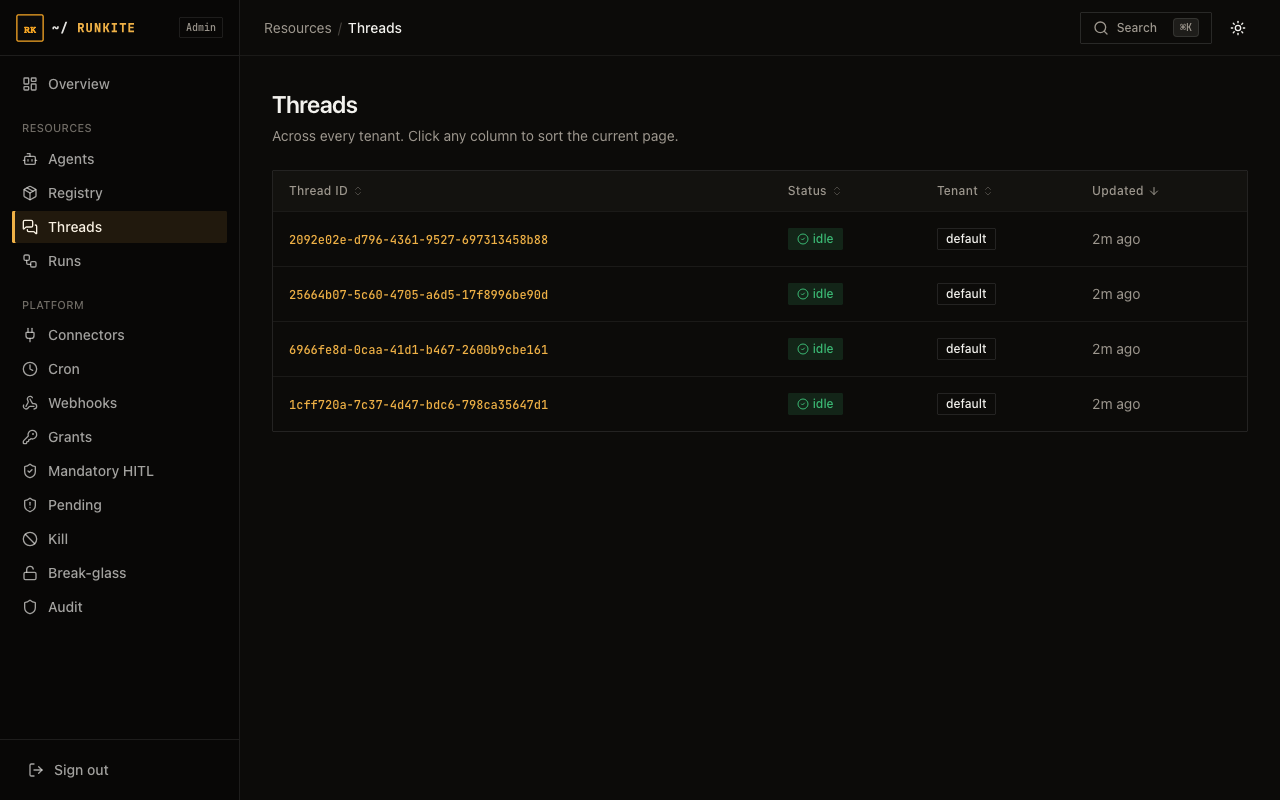
Admin → Threads: conversation / cron thread list
Admin → Run detail: live / replayed event log
What to expect
- Statuses: pending → running → success / error / interrupted (HITL).
- sim badge: runs created with
X-Runkite-Simulation(runkite sim) showsimon the list and detail. Spend and daily caps skip; policy still runs. See Fixture replay. - Streaming: same events Admin replays are what clients see on the stream.
- Reclaim: if a runner dies, the plane reclaims with fencing (see engineering notes).
Reference: docs/admin.md · docs/api.md · Generation fencing